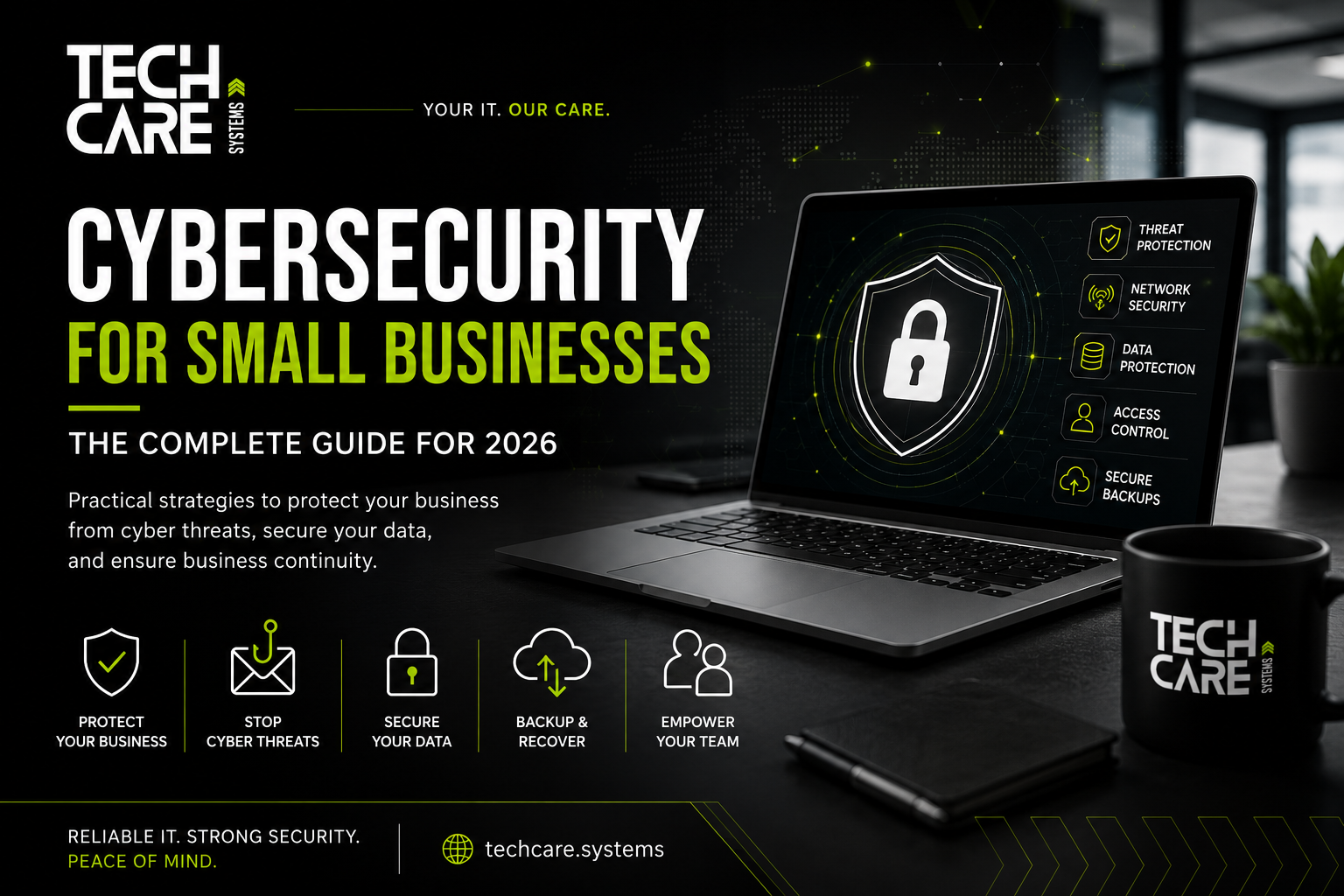
Cybersecurity for Small Businesses: The Complete Guide for 2026

Every business relies on technology. Whether you’re managing a hotel, manufacturing facility, medical practice, engineering company, retail business, or professional office, your daily operations depend on computers, cloud services, email, internet connectivity, and business applications.
Unfortunately, cybercriminals know this too.
Contrary to popular belief, hackers are not only interested in multinational corporations. In fact, small and medium-sized businesses (SMEs) have become one of the primary targets because they often have fewer cybersecurity controls while still storing valuable customer information, financial data, intellectual property, and operational systems.
At TechCare Systems, we help businesses across Germany build secure, reliable, and resilient IT environments. Our goal is not only to respond to cyber incidents but to prevent them from happening in the first place.
This guide explains the biggest cybersecurity risks facing SMEs in 2026, the mistakes that leave businesses vulnerable, and the practical steps every organization should take to protect itself.
Why Cybersecurity Is No Longer Optional
Imagine arriving at work on Monday morning and discovering that:
- Every file server is encrypted.
- Employees cannot log in.
- Your ERP system is unavailable.
- Customer records cannot be accessed.
- Production has stopped.
- Your accounting system is locked.
- Your backups have also been compromised.
Unfortunately, this is exactly how many ransomware attacks begin.
For many organizations, downtime is far more expensive than the ransom itself. Lost productivity, delayed deliveries, reputational damage, regulatory obligations, and recovery costs can quickly reach tens or even hundreds of thousands of euros.
Cybersecurity should therefore be viewed as a business continuity investment—not simply an IT expense.
The Current Threat Landscape
The cybersecurity landscape changes every year, but the most common attacks continue to exploit the same weaknesses:
- Human error
- Weak passwords
- Outdated software
- Poor network design
- Lack of backups
- Missing security monitoring
Most successful attacks do not rely on sophisticated hacking techniques. Instead, they exploit simple mistakes that could have been prevented with proper planning.
The 10 Biggest Cybersecurity Threats for Businesses
1. Ransomware
Ransomware remains the single greatest threat to businesses worldwide.
Attackers infiltrate the network, encrypt critical systems, and demand payment in exchange for the decryption key. Modern ransomware groups often steal confidential data before encrypting it and threaten to publish the information if the ransom is not paid.
Warning Signs
- Slow systems
- Disabled antivirus
- Unknown administrator accounts
- Suspicious PowerShell activity
- Unusual login attempts
- Unexpected file encryption
2. Phishing
Over 90% of successful cyberattacks begin with an email.
Common examples include:
- Fake Microsoft login pages
- Parcel delivery notifications
- Fake invoices
- HR documents
- Password expiration notices
- Bank notifications
One employee clicking a malicious link can compromise an entire organization.
3. Business Email Compromise (BEC)
Instead of deploying malware, criminals impersonate executives or suppliers.
Typical examples include:
“Please urgently transfer €24,500 to our new bank account.”
or
“I need you to buy 15 gift cards immediately.”
Because these attacks rely on trust rather than malware, they are often successful.
4. Weak Passwords
Passwords like:
- Welcome123
- Company2026
- Password1
- Admin123
can often be cracked within minutes.
Even strong passwords become dangerous when they are reused across multiple services.
5. Insider Threats
Not every incident is malicious.
Employees accidentally:
- Email confidential files externally
- Lose laptops
- Connect infected USB devices
- Use insecure Wi-Fi
- Share passwords
Security awareness training significantly reduces these risks.
6. Outdated Systems
Attackers actively scan the internet for vulnerable systems.
Common targets include:
- Windows Servers
- Firewalls
- VPN Gateways
- VMware
- Hyper-V
- Microsoft Exchange
- SQL Servers
Regular patch management closes many of these vulnerabilities before they can be exploited.
7. Cloud Misconfiguration
Moving to Microsoft 365 or Azure does not automatically make an organization secure.
Incorrect permissions, public file sharing, weak Conditional Access policies, or missing MFA can expose sensitive information.
8. Remote Working Risks
Remote work has increased productivity but also expanded the attack surface.
Businesses should ensure that remote employees use:
- VPN connections where appropriate
- Company-managed devices
- Multi-factor authentication
- Disk encryption
- Endpoint protection
9. Supply Chain Attacks
Businesses increasingly depend on third-party vendors.
If one supplier is compromised, attackers may attempt to use that relationship to gain access to customers.
Vendor risk assessments should be part of every cybersecurity strategy.
10. Artificial Intelligence Enabled Attacks
AI is making phishing emails, fake voice calls, and fraudulent messages more convincing than ever.
Businesses should train employees to verify unusual requests using trusted communication channels rather than relying solely on email.
Building a Layered Security Strategy
Effective cybersecurity is based on multiple layers of protection.
Think of your business like a building.
You don’t rely on a single lock.
Instead, you have:
- Security doors
- Cameras
- Alarm systems
- Reception
- Visitor logs
- Restricted areas
- Fire protection
Your IT environment should follow the same principle.
Essential Security Controls
Multi-Factor Authentication (MFA)
Passwords alone are no longer sufficient.
Enable MFA for:
- Microsoft 365
- VPN
- Remote Desktop
- Administrative accounts
- Financial applications
This single control can stop the majority of password-based attacks.
Modern Endpoint Protection
Traditional antivirus software is no longer enough.
Modern Endpoint Detection and Response (EDR) solutions continuously monitor systems for suspicious behaviour and can isolate compromised devices before malware spreads.
Network Segmentation
Every device should not communicate with every other device.
Separate networks for:
- Office users
- Servers
- Production equipment
- Guest Wi-Fi
- IoT devices
- CCTV
- Printers
Segmentation limits the impact of an attack.
Secure Backups
A backup that cannot be restored is not a backup.
Follow the 3-2-1 rule:
- Three copies of data
- Two different media
- One offline or immutable copy
Test restores regularly.
Security Monitoring
Cyber incidents rarely happen without warning.
Continuous monitoring helps detect:
- Failed login attempts
- Malware activity
- Suspicious administrator actions
- Unusual network traffic
- Data exfiltration
Early detection dramatically reduces damage.
Microsoft 365 Security Best Practices
Microsoft 365 includes many security features, but they must be configured correctly.
Recommendations include:
- Enable MFA for all users.
- Block legacy authentication.
- Configure Conditional Access.
- Review Secure Score regularly.
- Deploy Microsoft Defender for Business.
- Protect administrator accounts.
- Monitor risky sign-ins.
- Back up Exchange Online, SharePoint, and OneDrive data.
Industry-Specific Recommendations
Hotels
Hotels manage payment information, guest Wi-Fi, booking platforms, IPTV systems, access control, and operational technology.
Recommended measures:
- Separate guest and business networks.
- Secure property management systems.
- Monitor Wi-Fi infrastructure.
- Protect payment systems.
- Restrict vendor access.
- Conduct regular vulnerability assessments.
Manufacturing
Manufacturers should:
- Separate IT and OT environments.
- Protect industrial controllers.
- Restrict administrator privileges.
- Monitor production networks.
- Patch systems where operationally possible.
- Test disaster recovery procedures.
Medical Practices
Healthcare providers should:
- Encrypt patient records.
- Limit access by role.
- Secure connected medical devices.
- Maintain offline backups.
- Train staff to recognise phishing.
- Review permissions regularly.
The Human Factor
Technology alone cannot stop cybercrime.
Employees should know how to:
- Identify phishing emails.
- Verify payment requests.
- Report suspicious activity.
- Use password managers.
- Avoid unsafe USB devices.
- Handle sensitive information securely.
Security awareness should be an ongoing process rather than a once-a-year presentation.
Cybersecurity Checklist
Use this checklist to evaluate your organization.
✔ Multi-Factor Authentication enabled
✔ Password manager implemented
✔ Business-grade endpoint protection
✔ Firewall actively monitored
✔ Network segmentation configured
✔ Regular vulnerability scanning
✔ Automatic patch management
✔ Offline backups
✔ Backup restore testing
✔ Security awareness training
✔ Microsoft 365 hardening
✔ Email protection
✔ Incident response plan
✔ Disaster recovery plan
✔ Business continuity plan
If several items remain unchecked, your organization has opportunities to reduce cyber risk.
Frequently Asked Questions
Is antivirus software enough?
No. Modern cybersecurity requires multiple layers, including MFA, endpoint protection, secure backups, firewalls, monitoring, and employee awareness.
How often should backups be tested?
At least quarterly, or more frequently for critical systems.
Do small businesses really get attacked?
Yes. Attackers often target SMEs because they expect weaker security while knowing the organizations still depend on their data and systems.
Should every employee have MFA?
Yes. Any account that accesses business systems should use multi-factor authentication whenever possible.
How TechCare Systems Can Help
Technology should support your business—not expose it to unnecessary risk.
TechCare Systems provides tailored IT and cybersecurity services for businesses throughout Germany, including:
- Managed IT Services
- Cybersecurity Assessments
- Microsoft 365 Security
- Firewall Design and Management
- Secure Wi-Fi and Network Infrastructure
- Backup and Disaster Recovery
- Endpoint Protection
- Cloud Migration
- Infrastructure Monitoring
- IT Consulting
- Business Continuity Planning
Whether you operate a single office or multiple locations, we work with you to design practical, scalable security solutions that align with your operational needs.
Conclusion
Cybersecurity is not about buying a single product. It is about building a resilient environment through technology, well-defined processes, and informed employees.
Organizations that invest in prevention recover faster from incidents, experience less downtime, and earn greater trust from customers and partners.
Every improvement—whether enabling MFA, testing backups, or training staff—reduces risk and strengthens your business.
If you’re unsure where to start, a structured cybersecurity assessment can identify your highest priorities and help you develop a realistic improvement roadmap.
References
- European Union Agency for Cybersecurity (ENISA): https://www.enisa.europa.eu/topics/cyber-threats/threat-landscape
- German Federal Office for Information Security (BSI): https://www.bsi.bund.de
- Microsoft Learn – Security Documentation: https://learn.microsoft.com/security
- NIST Cybersecurity Framework: https://www.nist.gov/cyberframework